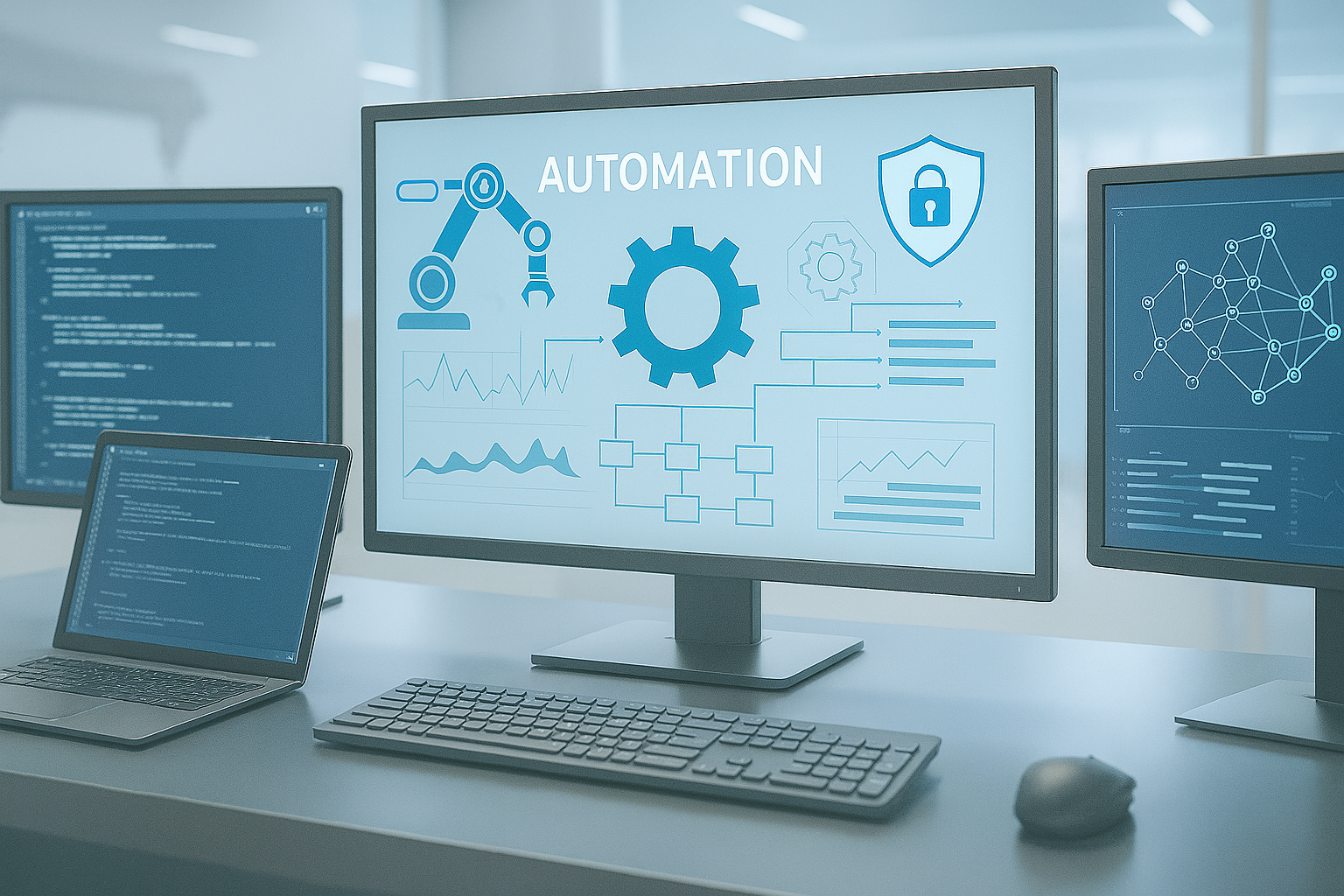
Power Apps Development
Custom internal apps, dashboards, intake experiences, and role-aware interfaces for complex operational workflows.
- Enterprise Power Apps solutions
- Customized dashboards and forms
- Restricted data views

Microsoft automation for federal operations
Replace manual workflows with secure, scalable Microsoft automation: Power Apps, Power Automate, Power BI, document generation, and Microsoft 365 integrations built for mission-critical operations.
What we build
Ashkore builds Power Platform solutions that turn forms, approvals, emails, dashboards, and documentation into connected operating systems.
Custom internal apps, dashboards, intake experiences, and role-aware interfaces for complex operational workflows.
Secure automation for approvals, notifications, integrations, routing logic, and repeatable business processes.
Reporting experiences that expose request status, operational throughput, leadership summaries, and process bottlenecks.
Replace fragmented forms, PDFs, and spreadsheet intake with structured digital request systems.
Generate signed PDFs and documentation packages from controlled workflow data when the process requires formal records.
Connect Power Platform, SharePoint, Teams, and Microsoft 365 into complete workflow automation services.
Problem to outcome
The right Power Platform build gives teams faster approvals, cleaner data, better visibility, fewer manual steps, and stronger accountability.
Digital forms, generated documents, and controlled approval paths.
Power Automate routing, notifications, and status-aware workflow logic.
Structured intake, cleaner data, and reusable process records.
Dashboards and status views that show where work stands.
Connected handoffs across apps, workflows, reporting, and documents.
Power BI visibility, stronger accountability, and traceable process history.
Proof in production workflows
Ashkore has created dozens of Microsoft Power Platform solutions. The strongest proof comes from Peace Corps workflows that combine Power Apps, Power Automate, Power BI, and document generation into complete operating tools.
Peace Corps
Ashkore automated micro-purchase requests for posts across the globe with customized Power Apps dashboards and forms, restricted data views, quick summaries, Power Automate notifications and workflow logic, Power BI reporting, and signed PDF generation for purchase documentation.
Peace Corps
Ashkore automated travel authorizations and tracking for recruiters across the enterprise using Power Apps, Power Automate, Power BI, and document generation.
Peace Corps
Travel authorizations feed into a reimbursement solution for employee-paid expenses through Power Automate integrations, replacing manual PDFs and untracked emails and saving the agency thousands of hours since implementation.
Capability architecture
Ashkore connects apps, workflows, dashboards, documents, SharePoint, Teams, and Microsoft 365 into durable Power Platform solutions rather than one-off forms.
Forms, dashboards, intake, and role-aware workspaces
Approvals, notifications, integrations, and workflow logic
Status, summaries, trends, and operational reporting
Generated PDFs, signed records, and formal packages
Lists, libraries, Teams, permissions, and collaboration
Delivery process
We keep the model crisp: understand the process, design the app and data structure, build the workflows, connect reporting, and support rollout.
Map the real workflow, actors, decisions, forms, documents, reporting needs, and integration points.
Shape the Power Apps experience, data model, permissions approach, and process states before build starts.
Develop the Power Apps interface, Power Automate logic, notifications, approvals, and document generation.
Connect reporting, Microsoft 365 tools, SharePoint data, and downstream handoffs into the full solution.
Validate workflow behavior, permissions, reporting, and adoption before supporting launch and refinement.
Why Ashkore
Ashkore understands the messy middle of enterprise operations: permissions, handoffs, reporting, documents, exceptions, and the humans who need the workflow to make sense.
Lean teams move quickly from process mapping to usable automation without turning every workflow into a heavyweight program.
Ashkore brings federal technology delivery experience and practical Microsoft ecosystem depth to complex operational problems.
Fast iteration, direct communication, and accountable delivery help teams ship real automation instead of polished demos.
Ready to automate the workflow?
Bring us the forms, emails, approvals, reports, and PDF handoffs that slow your team down. We will help turn them into a secure Microsoft automation path.
FAQ
Ashkore builds Power Apps, Power Automate workflows, Power BI dashboards, digital intake systems, approval workflows, document generation, and Microsoft 365-connected automation.
Yes. Many Power Platform solutions work best as a connected system: Power Apps for the user experience, Power Automate for workflow logic, and Power BI for reporting and visibility.
Yes. Ashkore has delivered Power Platform solutions that replace manual PDFs, untracked emails, and disconnected request workflows with structured apps, automation, reporting, and document generation.
Yes. We design Power Platform solutions that can connect with SharePoint, Teams, Microsoft 365 data, document libraries, notifications, and reporting tools where those integrations support the process.
Yes. Ashkore supports federal agencies, prime contractors, nonprofits, and compliance-heavy organizations that need practical automation with secure access, traceable workflows, and clearer operational control.
Yes. We can assess existing Power Apps, flows, dashboards, forms, and data structures, then improve usability, reliability, reporting, and maintainability.